
The Real Difference Between a Traffic Spike and a Traffic Attack
Is your website traffic skyrocketing? Learn how to tell if it’s a viral traffic spike or a DDoS attack, and get tips on handling each scenario.

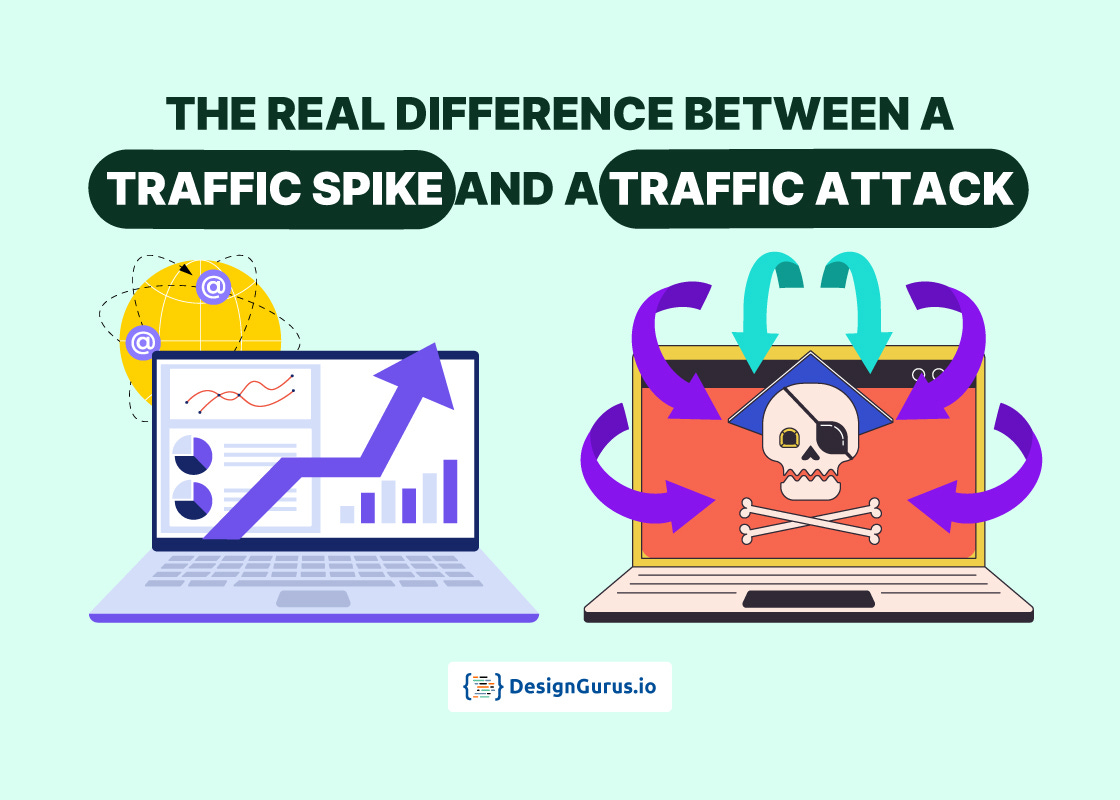
Imagine waking up to find your website getting ten times more visitors than usual overnight.
Exciting, right?
But hold on, before you celebrate, you need to figure out why your traffic is skyrocketing.
Is it a traffic spike because your content went viral, or is it a traffic attack by someone trying to crash your site?
For beginners and seasoned developers alike, knowing the difference can save your site.
Let’s dive into what each one means and how you can tell them apart in simple terms.
What is a Traffic Spike?
A traffic spike is a sudden, large increase in legitimate web traffic to your site in a short time.
Lots of real users show up all at once.
This usually happens for good reasons, such as:
A viral social media post or news mention that sends a flood of new visitors to your site.
A big event or sale (think Black Friday) causing many people to visit your online store at the same time.
A successful marketing campaign or product launch that draws in an excited crowd of users.
For a website owner, a traffic spike is generally “good stress.”
The challenge is mostly technical.
Can your website handle the load without slowing down or crashing?
With scalable infrastructure (like flexible hosting and caching), a traffic spike is the kind of problem you’d love to have.
What is a Traffic Attack?
A traffic attack is a malicious surge of traffic intended to overwhelm your site. The most common example is a DDoS (Distributed Denial of Service) attack, where an attacker uses many computers (often a botnet of hijacked devices) to bombard your site with fake requests.
The goal is to flood your server with so much bogus traffic that it can’t respond to real users, essentially knocking your site offline.
A traffic attack (like a DDoS) is like an intentional traffic jam where too many fake cars (bots) clog the road and block real visitors.
A traffic attack doesn’t happen because people suddenly love your service; it happens because someone malicious wants to disrupt it. Unlike a happy traffic spike, an attack can slow your site to a crawl or even crash it completely.
Traffic Spike or Traffic Attack? How to Tell the Difference
It’s crucial to distinguish a benign spike from a malicious attack, because you’ll respond differently to each.
Here are some key differences and signs to help you tell them apart:
Intent: A traffic spike is organic and usually positive (real people interested in your site), whereas a traffic attack is deliberate harm caused by an attacker.
Trigger: Legitimate spikes often have an explainable cause (for example, a trending article, media coverage, or a scheduled event). An attack often comes unannounced or at odd times, without a clear reason related to your content.
Traffic Sources: In a real spike, visitors come from normal channels (search engines, social media, etc.) and from diverse locations. In an attack, the traffic may come from unusual sources. You might see thousands of hits from a single region or from known suspicious IPs.
User Behavior: During a genuine spike, visitors behave like humans. They browse multiple pages, interact with your site, and maybe make purchases or leave comments. During a traffic attack, the “visitors” are bots. They tend to bombard one page or repeat the same action, with no normal user engagement.
Impact on the Site: A big traffic spike can slow your site down if you’re unprepared, but it generally won’t break anything if you have scaling in place. The goal of a traffic attack, however, is to break things. Attacks are designed to overwhelm your servers, causing errors or crashes. If your site becomes unreachable or starts throwing a lot of errors suddenly, and it doesn’t correspond with any happy news on your end, that’s a red flag for an attack.
How to Handle Traffic Spikes vs Attacks
If it’s a legitimate traffic spike: Don’t panic. This surge is actually good news! Make sure your website can handle the extra visitors. You might temporarily add server resources and enable a CDN or caching to help with the load. In short, welcome the spike and use it as a chance to gain more happy users.
If it’s a traffic attack: Act fast to protect your site. Enable DDoS protection if available and set up firewall or rate-limiting rules to block the bad traffic. Notify your hosting provider or tech team so they can help filter the attack. The aim is to stop malicious traffic while letting real users through.
Lastly, monitor your website’s normal traffic patterns and set up alerts for strange activity.
If you know what “normal” looks like, you can quickly tell whether a sudden surge is cause for celebration or concern.
Learn system design basics with the System Design Crash Course.
FAQs
Q: What is a traffic spike on a website?
A traffic spike is a sudden, rapid increase in web traffic from real users. Essentially, your site gets a lot more visitors than usual in a short time (often due to something like viral content, news coverage, or a big sale).
Q: How can I tell if a traffic spike is actually a cyber attack?
Check the context and behavior. If the traffic surge follows something normal (an event or promotion) and visitors behave typically on your site, it’s likely a spike. If it comes out of nowhere at odd times, focuses on certain pages, or results in no user engagement, it could be a cyber attack.
Q: Is a sudden surge in traffic always bad for my site?
Not necessarily. A sudden surge from real visitors is good news (more people on your site) as long as your site can handle it. However, a surge caused by an attack is bad because it’s meant to cause downtime. The key is knowing which type of surge you’re dealing with.
Q: What should I do if my website is hit by a traffic attack?
If you suspect an attack, enable DDoS protection or an “under attack” mode if available. Inform your hosting provider or tech team so they can help filter the traffic. You can also temporarily block or rate-limit suspicious traffic sources. The goal is to keep your site accessible to real users while the attack is being mitigated.