
Serverless vs Containers vs VMs: The Honest Trade-offs Nobody Talks About
VMs, containers, or serverless? Learn the key differences in isolation, cost, and scaling with this simple breakdown built for beginners and interview prep.

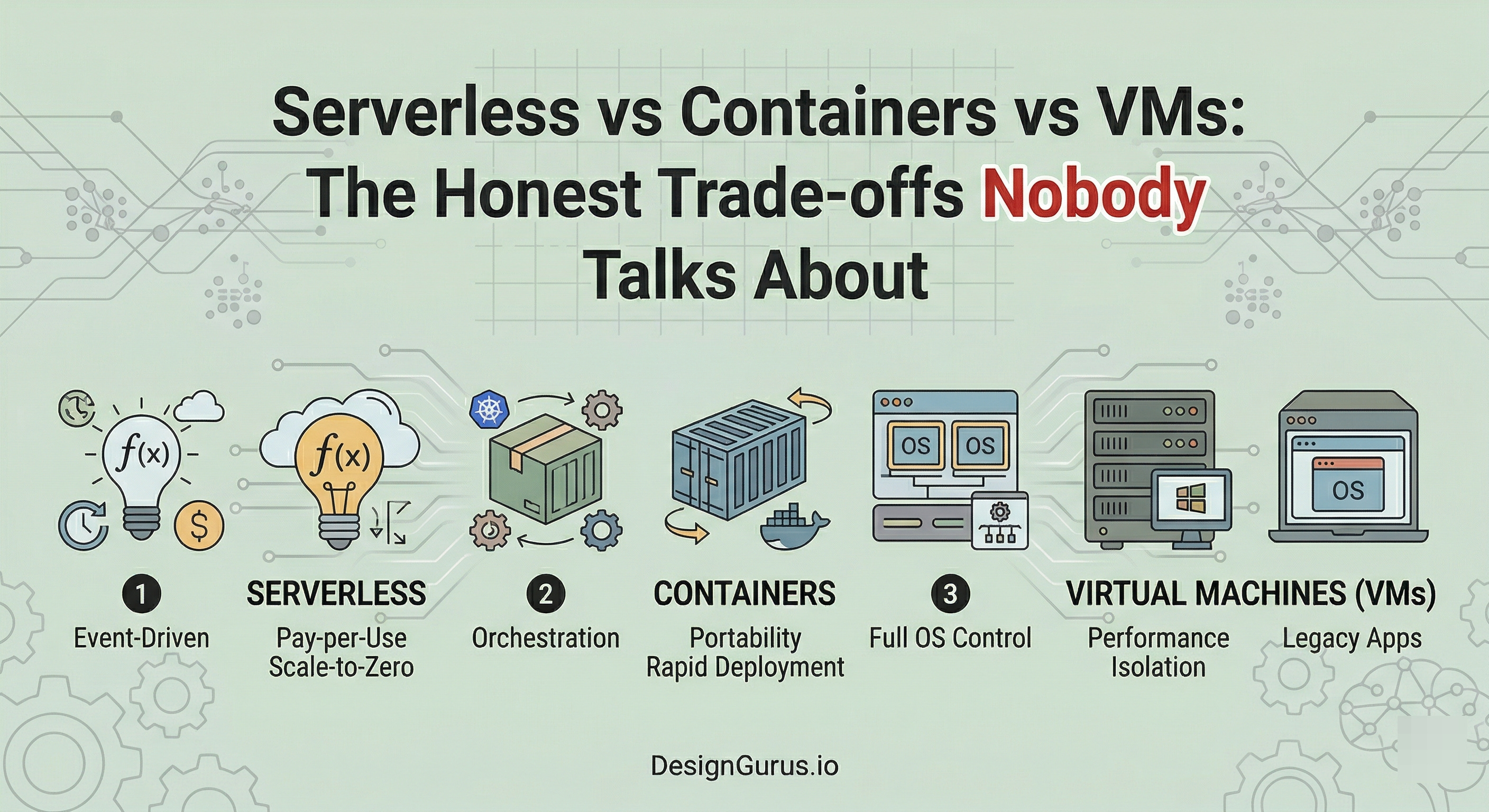
In this post, we will cover:
How VMs actually isolate workloads
What containers changed about deployment
When serverless makes real sense
Hidden costs behind each option
Picking the right tool confidently
Every backend application needs somewhere to run.
That sounds obvious, but the decision about where and how your code runs is one of the most consequential choices in system design.
Get it wrong, and you are either burning money on idle resources or scrambling to scale when traffic spikes hit.
Here is the thing.
The industry has gone through three major shifts in how we run software: Virtual Machines, Containers, and Serverless. Each one tried to solve a real pain point the previous generation left behind.
But none of them is a silver bullet. They all come with trade-offs that are easy to miss until you are deep into a project.
The problem is that most explanations online are either too shallow or too opinionated. They tell you “serverless is the future” or “containers are king” without explaining the why behind the trade-offs.
That is not helpful when you are preparing for a system design interview or making an actual architecture decision at work.
This post will break down all three approaches honestly.
Just a clear look at what each one does well, where it falls short, and when you should pick one over the others.
What is a Virtual Machine?
Before we get into the comparisons, let’s make sure the foundations are solid.
A Virtual Machine (VM) is a software-based computer that runs inside a physical computer. It has its own operating system, its own memory allocation, and its own CPU share.
The key technology that makes this possible is called a hypervisor, which is basically a layer of software that sits between the physical hardware and the virtual machines.
The hypervisor’s job is to divide up the physical resources and hand them out to each VM.
What Happens Behind the Scenes
When you spin up a VM, the hypervisor carves out a chunk of the physical server’s CPU, RAM, and storage. It then boots an entire operating system inside that carved-out space. Your application runs on top of that operating system.
This means every VM carries the full weight of an OS.
We are talking about a kernel, system libraries, drivers, and all the background processes that come with running an operating system.
Even if your application is a tiny script that uses 50MB of memory, the VM underneath it might be consuming 1-2 GB just to keep the OS alive.
Why VMs Still Matter
The big advantage is isolation.
Each VM is completely separated from every other VM on the same physical machine.
If one VM crashes, the others keep running.
If one VM gets compromised by a security vulnerability, the attacker is stuck inside that VM’s operating system boundary. They cannot easily jump to another VM.
This level of isolation is why VMs are still heavily used in regulated industries like banking and healthcare.
When you absolutely need a guarantee that one workload cannot interfere with another, VMs deliver that.
The Downsides
VMs are heavy.
Booting one takes minutes, not seconds. They consume significant resources just to maintain the operating system layer.
Keep reading with a 7-day free trial
Subscribe to System Design Nuggets to keep reading this post and get 7 days of free access to the full post archives.