
Deconstructing Heartbeats: Push vs. Pull, Timeouts, and UDP
Master heartbeat mechanisms for your system design interview. Learn how distributed systems detect server failures using push/pull models, timeout thresholds, UDP, and avoid split-brain scenarios.

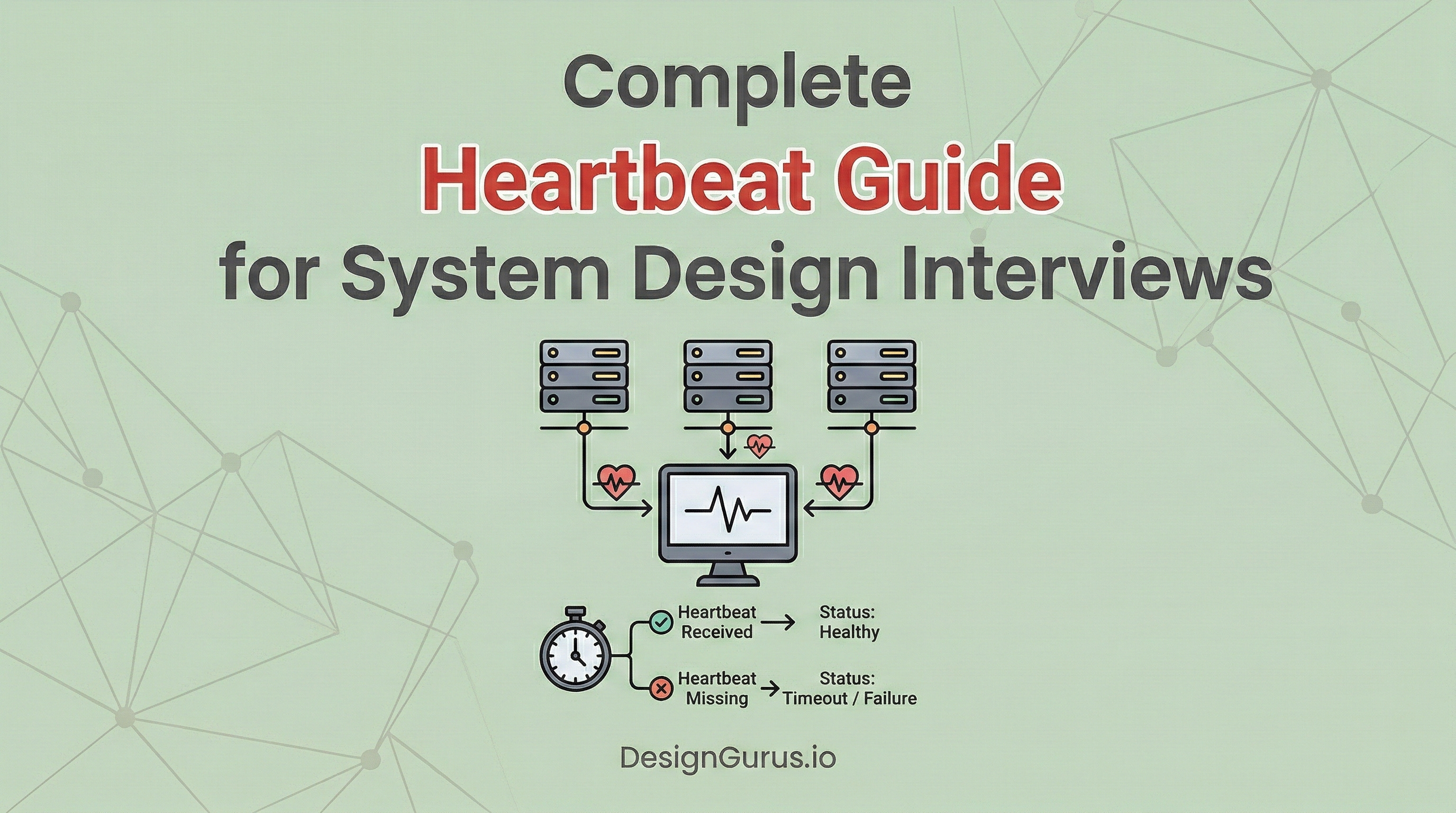
Computer hardware is inherently unreliable. Physical machines break down constantly inside large data centers. A power supply might suddenly fail. A memory chip could silently corrupt critical data.
When a single computer runs an isolated application, a hardware crash is obvious. The entire application simply goes offline. However, modern software architecture connects thousands of computers together. We call this interconnected design a distributed system.
In a distributed system, a single broken machine does not take down the whole application. Instead, the broken machine simply stops responding. It goes completely silent without sending any warning messages.
This creates a severe structural vulnerability. The rest of the healthy machines do not know the broken machine has died. They will continue sending data tasks to the dead hardware.
Those data tasks will drop into a void and disappear entirely. This causes major application errors and severe data loss. Detecting these silent hardware failures instantly is the most critical foundation of reliable software design.
What Is A Heartbeat Mechanism?
A heartbeat is a tiny network message sent continuously between computers. It serves as a recurring proof of life. The sending computer uses this message to prove it is powered on and functioning properly.
In a basic setup, we have a worker node and a monitor node.
A node is simply an individual computer within the distributed network. The worker node handles heavy processing tasks. The monitor node watches the network.
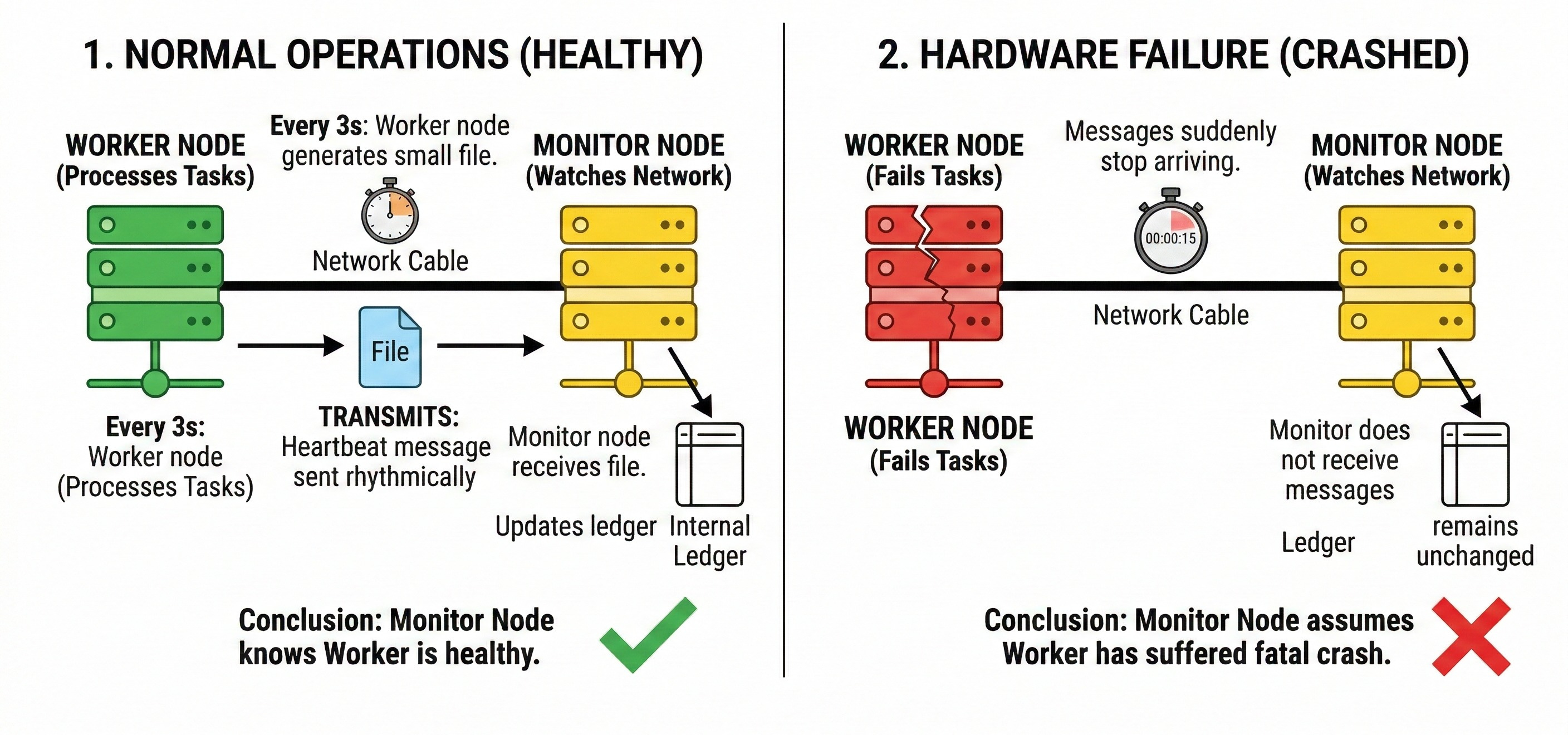
Every three seconds, the worker node generates a small digital file. It transmits this file across the network cable to the monitor node. The monitor node receives the file and updates an internal ledger.
As long as the monitor node receives these rhythmic messages, it knows the worker node is healthy.
If the messages suddenly stop arriving, the monitor node assumes the worker node has suffered a fatal hardware crash.
The Anatomy Of The Message
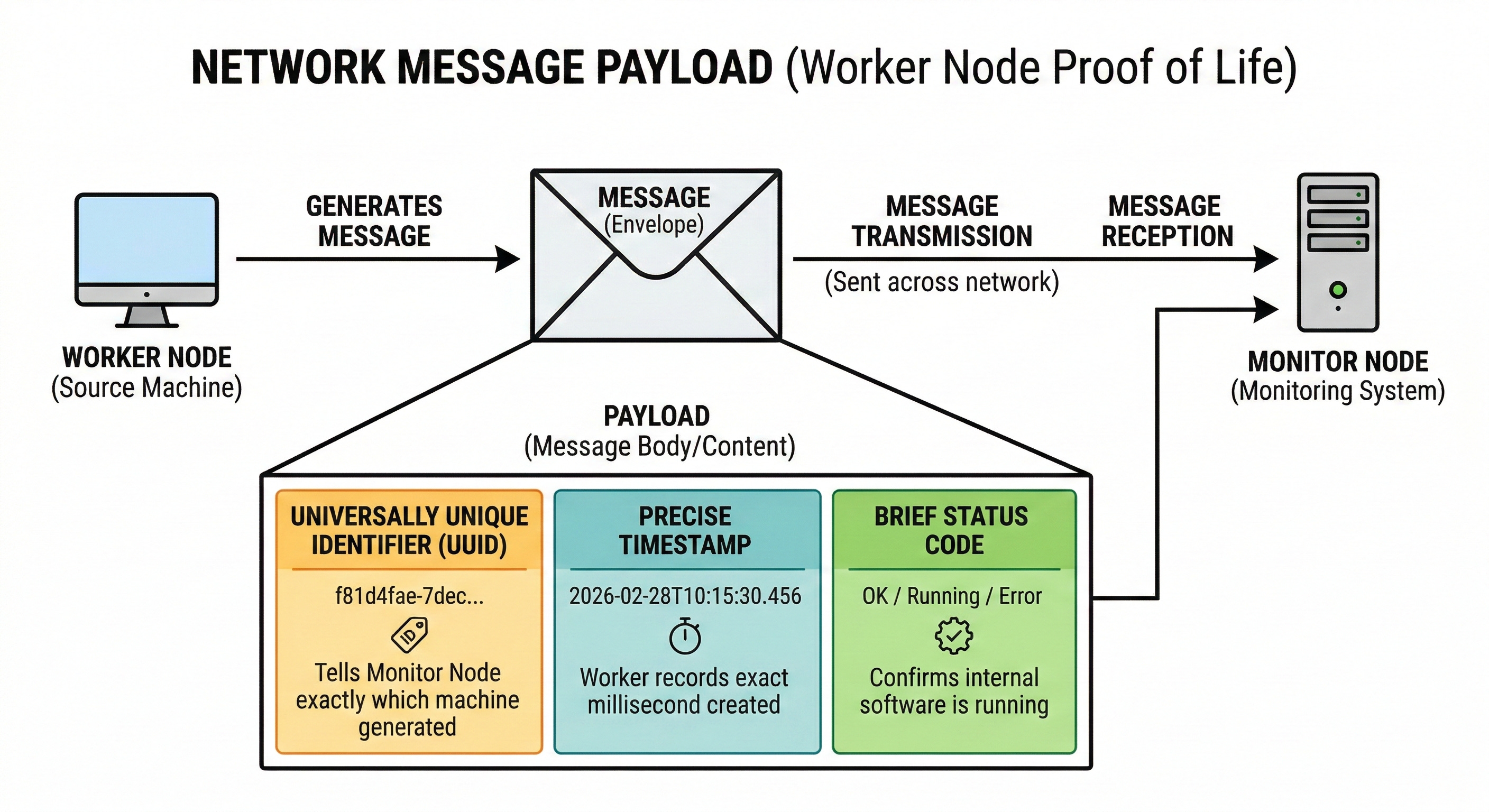
During a technical interview, you must understand the exact data inside this message. We call the contents of this message the payload.
A well-designed payload must remain extremely small.
Sending massive files every three seconds would completely overwhelm the network switches.
A standard payload contains a universally unique identifier. This specific text string tells the monitor node exactly which machine generated the message.
The payload also contains a precise timestamp. The worker node records the exact millisecond the message was created.
This helps the monitor node track network speed and delivery times.
Finally, the payload often includes a brief status code. This code confirms the internal software application is actually running. The machine might be powered on, but the internal software could be completely frozen.
Push Architecture Versus Pull Architecture
The Push Model Design
Engineers must decide how these status messages move across the network. The most common approach is the push model.
In this design, the worker node takes full responsibility for communication.
The worker node runs an internal timer. When the timer triggers, the worker pushes the payload outward to the central monitor node. The monitor node simply sits passively and listens for incoming data.
Keep reading with a 7-day free trial
Subscribe to System Design Nuggets to keep reading this post and get 7 days of free access to the full post archives.