
AWS S3 vs. EBS vs. EFS: Understanding the 3 Pillars of Data Persistence
Stop overpaying for cloud storage. Master the technical differences between Block (High IOPS), File (Shared Access), and Object storage (Scalability). Learn when to use databases vs. data lakes.

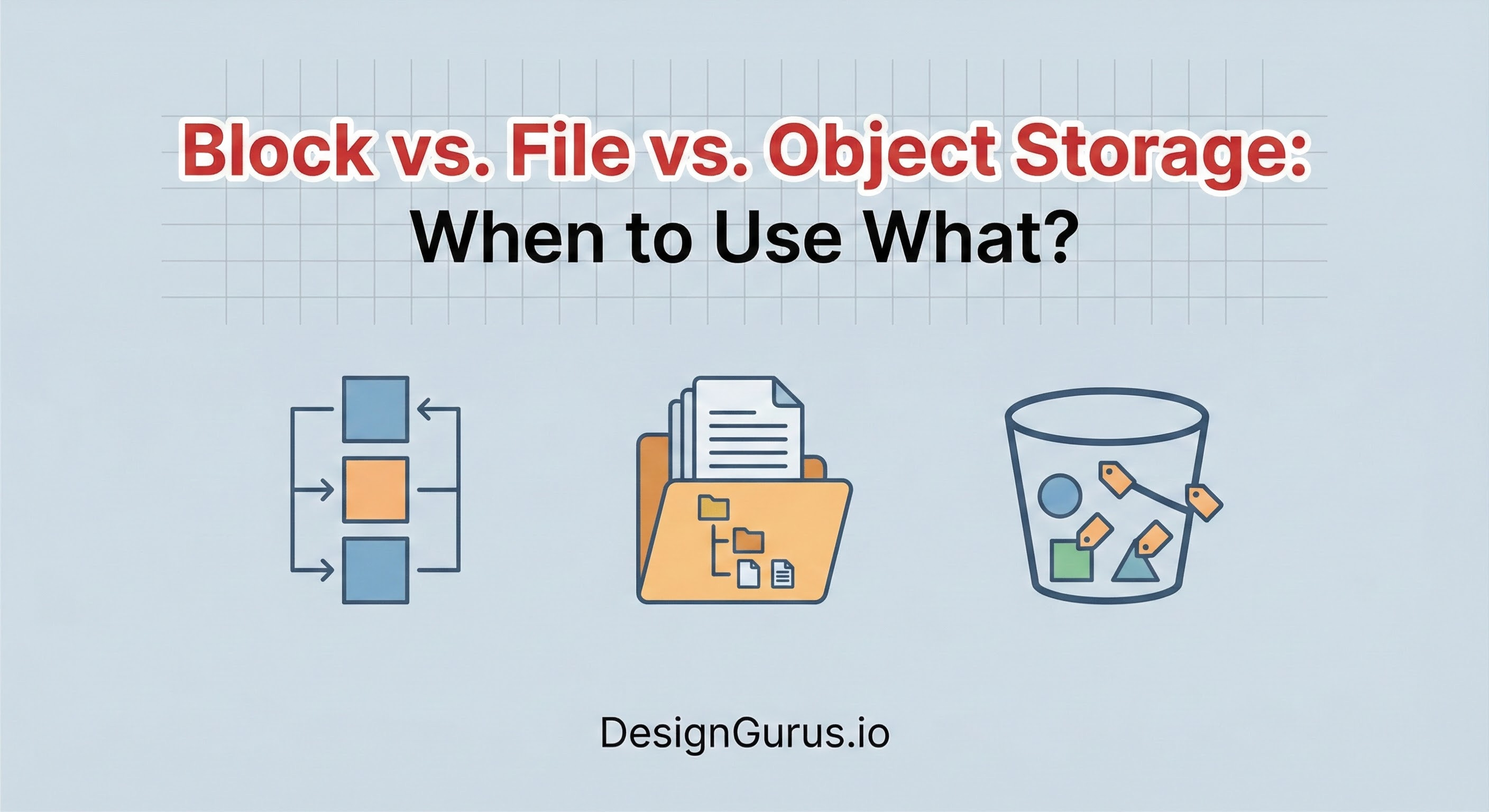
One of the most common pitfalls for developers transitioning to large-scale system design is treating all storage as equal.
When you write code on your local machine, you simply save a file to a folder and move on.
The operating system handles the complexity, and the hard drive persists the data.
However, when you move to a distributed architecture, “saving data” becomes a complex architectural decision.
You are no longer saving to a single hard drive inside a single computer. You are persisting data across a network, potentially spanning multiple data centers.
In this environment, you face a critical problem: How do you balance speed, cost, and access?
If you choose the wrong storage type, you might build a system that is incredibly fast but prohibitively expensive.
Conversely, you might choose a cheap storage solution that is too slow to support your database, causing your application to crash under load.
To solve this, you must understand the three fundamental pillars of cloud storage: Block Storage, File Storage, and Object Storage.
These are not just product names; they are distinct technical paradigms. They differ in how they structure data, how your application communicates with them, and how they handle updates.
This guide will walk you through the technical mechanics of each, explaining the “why” and “how” so you can make informed design decisions.
1. Block Storage: The Foundation of Performance
Block storage is the oldest and most fundamental type of data persistence. It is the technology that most closely resembles the physical hard drive sitting inside a computer.
Raw Capacity
When you provision block storage, the system provides you with a raw volume of storage capacity.
It is important to understand that this volume has no high-level intelligence. It does not understand what a “file” is. It does not know what a “user permission” is. It is simply a grid of fixed-sized chunks called blocks.
These blocks are addressed using Logical Block Addressing (LBA).
Each block has a unique ID (e.g., Block 0, Block 1, Block 2).
Keep reading with a 7-day free trial
Subscribe to System Design Nuggets to keep reading this post and get 7 days of free access to the full post archives.