
9 Top Object-Oriented Design Patterns for Beginners
Design Patterns for Beginners: Understand OOP the Easy Way

Design patterns are not some fancy academic theory.
They’re actually simple, proven ways to organize your code so it’s easier to maintain, extend, and reason about.
Think of them like reusable solutions that experienced developers have figured out after running into the same problems over and over again.
Instead of reinventing the wheel every time, you can just borrow a “pattern” that already works.
Understanding these patterns can help you write cleaner, more modular code—and it can give you a serious confidence boost when tackling projects or technical interviews.
For beginners and interview candidates, learning design patterns is especially important because they teach you to think about software design at a higher level.
There are dozens of design patterns out there. But don’t worry—you don’t need to memorize them all.
In this post, we’ll focus on nine essential object-oriented design patterns that every beginner should know.
We’ll break them down into three categories:
Creational Patterns – How objects are created.
Structural Patterns – How objects and classes are organized or composed.
Behavioral Patterns – How objects interact and communicate.
Courses like Grokking the Object-Oriented Design Interview emphasize these concepts, preparing you to apply design patterns in real-world scenarios.
Let’s get in!
Creational Patterns
Creational design patterns are all about how objects are created in a program.
They provide flexible ways to instantiate objects and ensure your code isn’t tightly tied to specific classes or initialization details.
In short, these patterns help manage the object creation process in a clean, controlled way.
1. Singleton Pattern
The Singleton Pattern ensures that only one instance of a class exists throughout the application (and provides a global access point to it).
In other words, anytime you ask for that object, you get the exact same instance.
This is handy for things like configuration settings, logging systems, or database connections where you want a single shared resource instead of multiple copies.
Imagine a company with only one CEO. No matter how many departments or employees there are, everyone ultimately reports to the same single boss.
If each department had its own CEO, things would get chaotic and conflicting. In the same way, a singleton ensures there’s one central object (like that one CEO) overseeing certain parts of your system.
2. Factory Pattern
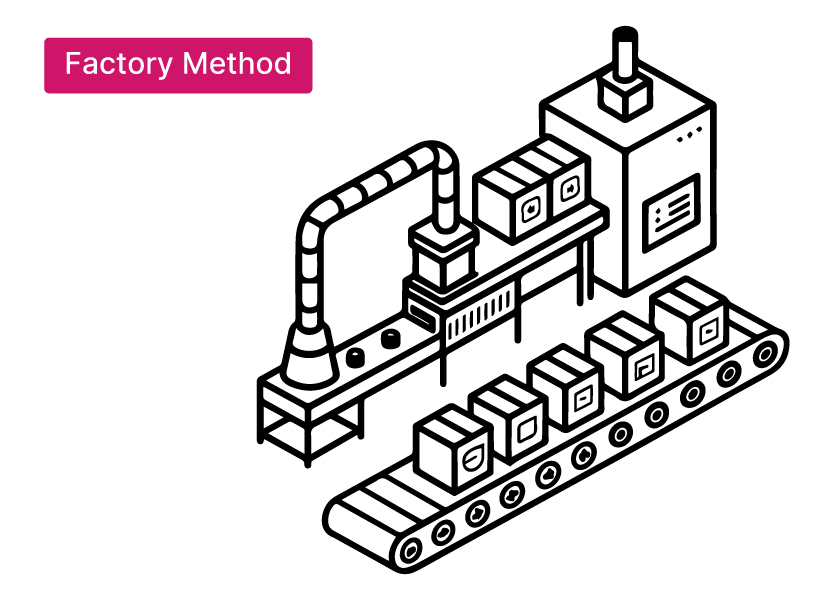
The Factory Pattern provides a way to create objects without specifying their exact class.
Instead of calling a class constructor directly (which would lock you into a particular implementation), you ask a factory method or object to do it.
The factory decides which specific subclass or type of object to instantiate based on given input or configuration.
This makes your code more flexible: if you need to change which objects get created or add a new type later on, you can update the factory in one place rather than modifying object-creation code all over your project.
Think of a car factory.
You might say to the factory, “Build me a vehicle of type X” – maybe a sedan or a truck.
The factory then goes through its process and returns the correct car model to you. You don’t need to know how to assemble the engine or attach the wheels — the factory handles all that.
Similarly, in programming, a Factory pattern lets you request an object of a certain kind and get it without worrying about the creation details.
3. Builder Pattern
The Builder Pattern helps when you need to construct a complex object step by step.
Rather than cramming all possible options into a single complicated constructor (or making a ton of subclasses for every combination of options), you use a separate builder object to assemble the object piece by piece.
You call methods on the builder to set up different parts of the object, and finally you get the finished object from the builder.
Separating the construction process this way makes it easy to create different versions of an object without repeating a lot of code.
Building a custom pizza: you add the dough, then sauce, then toppings one by one until the pizza is complete (just the way you want it).
Structural Patterns
Structural design patterns define how classes and objects fit together to form larger structures.
They make it easier for components to work together in a flexible way, without a lot of tight coupling.
4. Adapter Pattern
The Adapter Pattern allows two incompatible interfaces or classes to work together by using a middle-man known as an adapter. It’s like a translator between two pieces of code that speak different “languages.”
If one class expects data in one format and another class provides data in a different format, an adapter converts the output of one into the input of the other.
Neither class has to change its own code – the adapter handles the conversion so they can communicate.
Have you ever traveled to a country where the power outlet shape is different from your device’s plug?
You use a plug adapter.
The adapter takes your device’s plug and converts it so it fits into the foreign outlet.
In the same way, an Adapter pattern in software takes one interface and converts it into another so that two mismatched parts can connect seamlessly.
5. Decorator Pattern
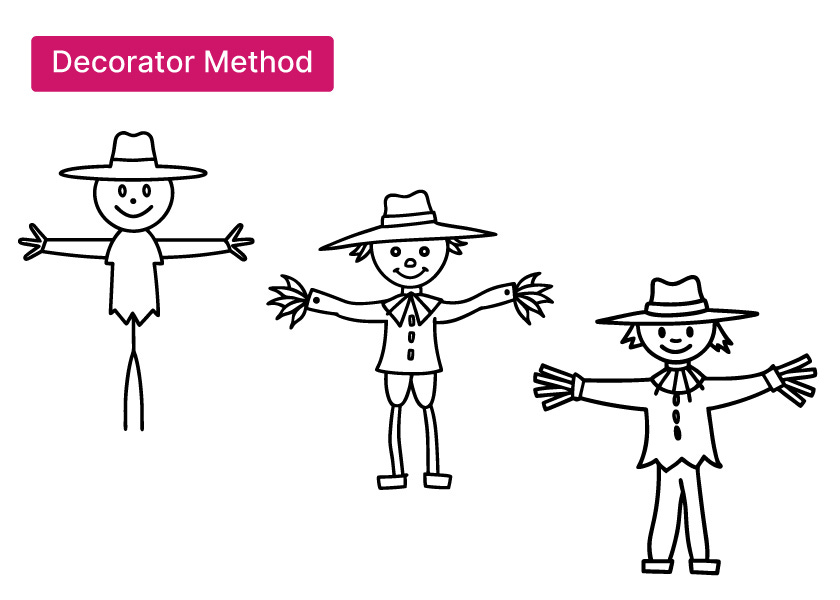
The Decorator Pattern attaches additional responsibilities or features to an individual object dynamically, without modifying the original class’s code.
In simpler terms, a decorator wraps around an existing object to provide extra functionality to that one object.
This means you can enhance certain objects with new behavior as needed, without affecting all objects of that class.
Adding toppings to ice cream is like using a decorator.
The base vanilla scoop stays the same, but you can add chocolate syrup, sprinkles, or nuts to give it extra flavor without changing the ice cream itself.
6. Proxy Pattern
The Proxy Pattern provides a placeholder or stand-in object that controls access to another, more complex object.
The proxy “stands in” for the real object and can add extra behavior when the real object is accessed.
Why use a stand-in?
Maybe the real object is expensive to create or uses a lot of resources, so you only want to create it when absolutely necessary (lazy loading).
Or perhaps you want to restrict access or log usage.
A proxy lets you introduce these controls without changing the real object’s code.
If you want to reach a busy celebrity, you go through their assistant first.
The assistant acts as a gatekeeper, screening requests and deciding who gets through — acting as a proxy that controls access to the celebrity.
In the same way, a proxy object in software controls access to a particular resource or object.
Behavioral Patterns
Behavioral design patterns define how objects communicate and share responsibility.
Each pattern helps ensure that each part of the code knows just what it needs to, so the system stays loosely coupled and easy to maintain.
7. Strategy Pattern
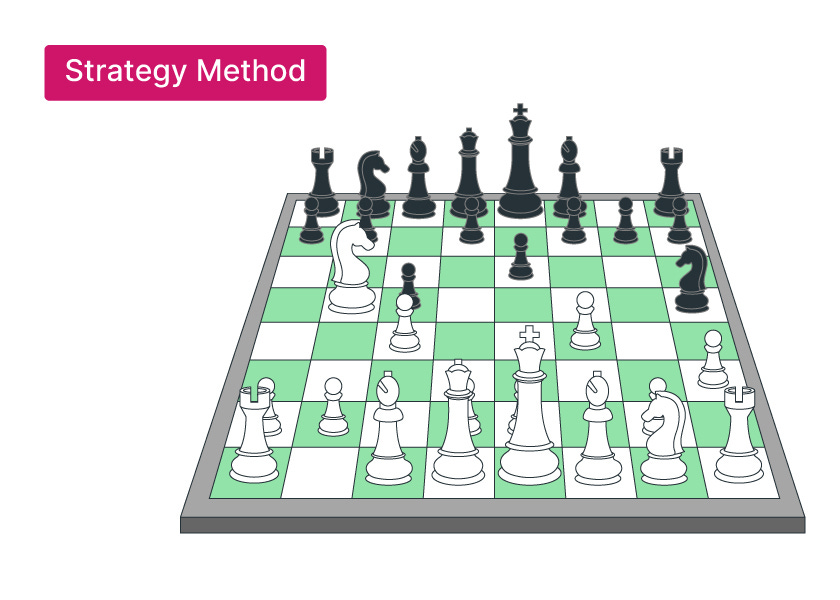
The Strategy Pattern allows you to define a family of algorithms or behaviors and swap them in and out depending on what you need at runtime.
In simple terms, you have multiple strategies (different ways of doing something), and you choose the one that fits the situation without changing the surrounding code.
The object that needs to perform a certain task isn’t locked into one hardcoded approach – you can give it a different “strategy” (algorithm) to use as needed.
This makes the software more flexible because you can add or change strategies without touching the code that uses them.
Choosing a route on a GPS is like choosing a strategy.
The destination is the same, but you can select the fastest route, avoid tolls, or pick a scenic route.
Similarly, the Strategy pattern lets you pick the algorithm (the strategy) that suits your needs while achieving the same goal.
8. Observer Pattern
The Observer Pattern sets up a one-to-many relationship between objects so that when one object’s state changes, all the dependent objects are notified automatically.
It’s a classic publish-subscribe scenario: you have a subject (the thing that publishes events or changes) and observers (subscribers) that want to know when those events occur.
Whenever the subject updates or changes, it sends a notification to all observers.
This way, the subject doesn’t need to know the details of each observer—each observer handles the update in its own way.
Social media is a good example: when someone you follow (the subject) posts an update, all their followers (observers) get notified automatically.
You don’t have to constantly check for updates—the notification system alerts everyone for you.
9. Command Pattern
The Command Pattern turns a request or action into a standalone object (a command) containing all the details about that request.
In practice, this means you encapsulate an operation (what needs to be done and any parameters) into an object which can be stored, passed around, or executed later.
Why do this?
Because treating an action as an object allows you to queue up commands, undo them, log them, or send them to different parts of a system to be executed elsewhere.
And none of this requires the initial caller to execute the action itself or know the details.
The code that wants something done can simply hand a command object to another part of the system, which will execute it when needed.
Think of a TV remote control. Each button on the remote represents a command (like “Volume Up” or “Power Off”).
When you press a button, the remote sends a signal to the TV to perform that action.
The remote doesn’t need to know how the TV executes it — it just issues the request.
Similarly, in software, a command object represents an action, and some receiver will execute it when needed.
Learn how to select a design pattern.
Conclusion
Mastering these design patterns will significantly boost your software design skills.
As a beginner, remember that you don’t have to memorize every pattern’s definition.
Instead, focus on understanding the problems each pattern solves and the reasoning behind it.
When you encounter a design problem — say, you need only one instance of a class, or you want to inform multiple parts of your app about an event — you’ll know which pattern might offer a solution.
Importantly, design patterns are about the why and when, not just the how.
Once you grasp a pattern, you can adapt it to different programming languages or situations.
This deeper understanding is what impresses interviewers and helps you design cleaner, more maintainable systems — it’s much more valuable than simply reciting textbook definitions.
For understanding system design, explore Grokking the System Design Course by DesignGurus.io.
If you want to dive deeper, consider Grokking Design Patterns for Engineers and Managers for an in-depth look at these patterns in action.
And to sharpen your coding interview skills, Grokking the Coding Interview offers plenty of pattern-based coding practice.
Mastering both design patterns and coding problem-solving will leave you well-prepared for technical interviews and real-world challenges.
Happy learning, and good luck!
The examples discussed made it much more simpler and easier to understand.